Internal communications that truly spark interest, made easier
Empower your team with meaningful content, effortlessly, automatically. Involve your teams in seamless, AI-powered content creation workflows producing outputs that truly captivates.
Trusted by world-class marketing and communications teams
Cracking the code of beautiful, easy to make internal communications
Easy, fast creation
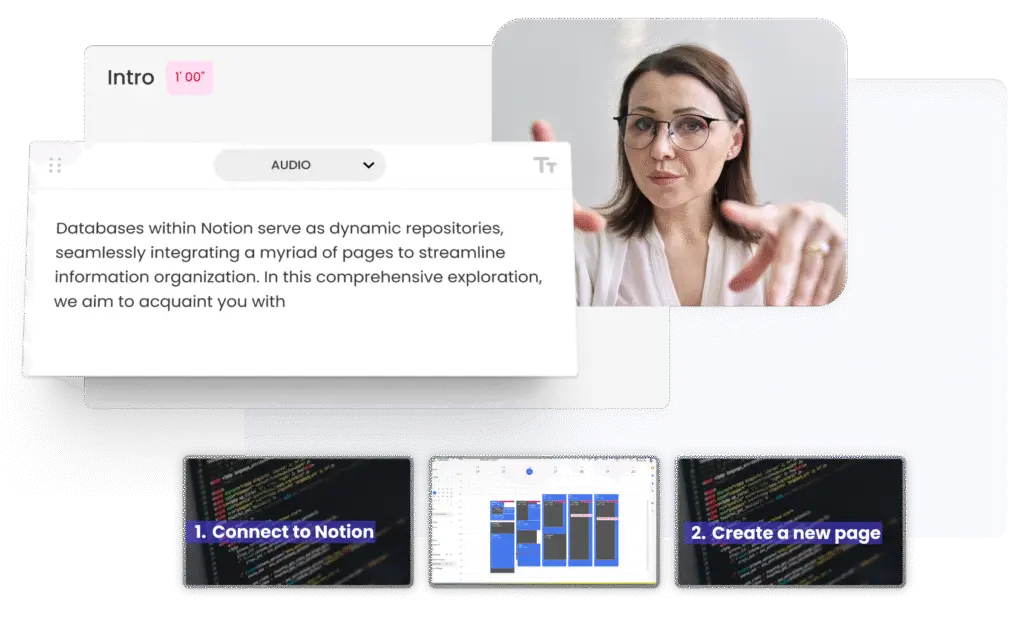
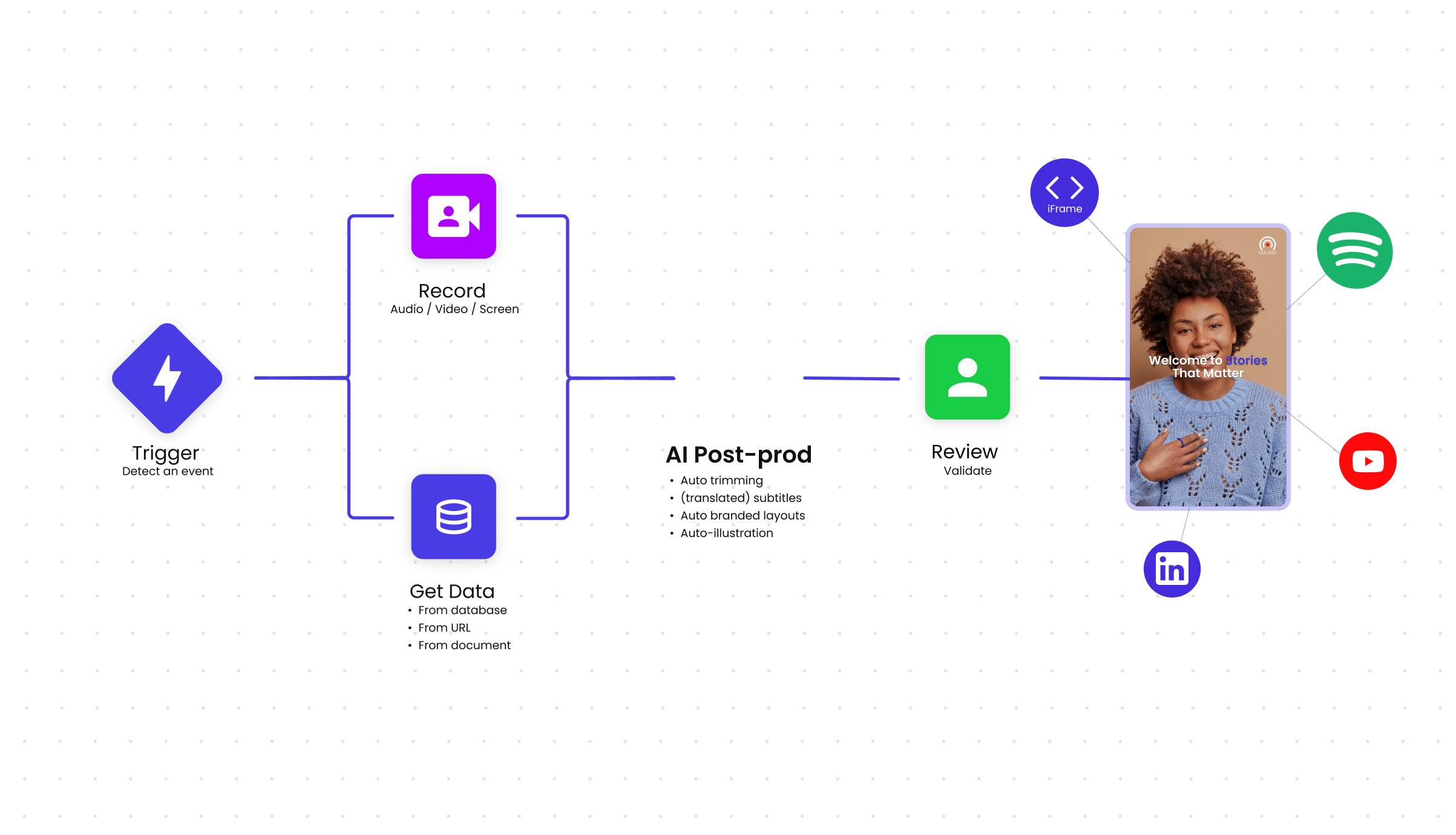
In your workspace, create your content structure once, add your brand kit assets, reuse as a template, with AI here at all times to do all the dirty job for you. With this done, you have just started setting up your automated content factory.
Collaborative means impactful
Your employees are those who drive the company. Empowering them to contribute to your communications creates a true sense of belonging, boosting engagement and trust.
No video expertise needed
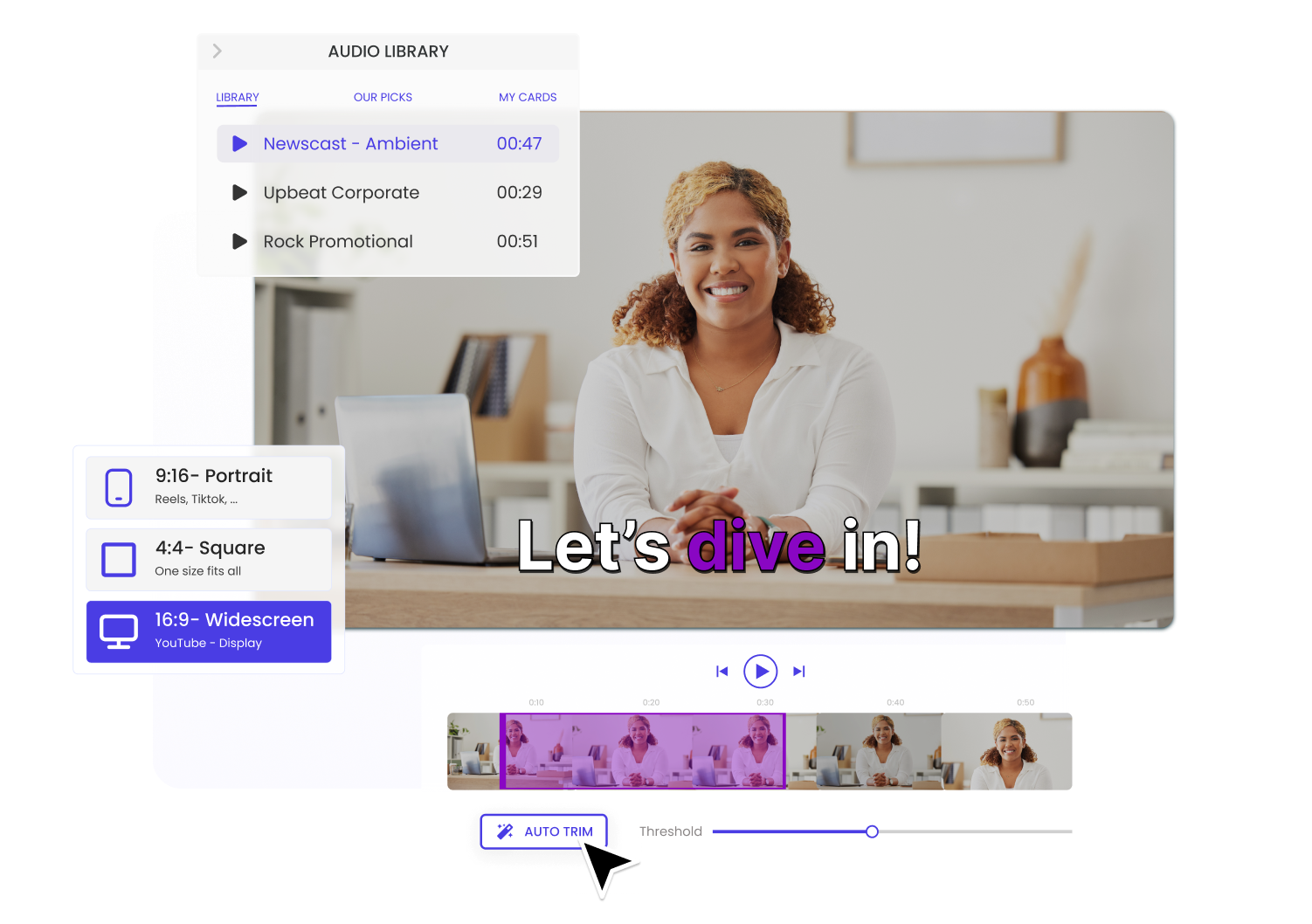
Votre user-friendly editors, anyone in the organization can be a content creator. Simply drag-and-drop your way to your next internal communication!
Effortless sharing
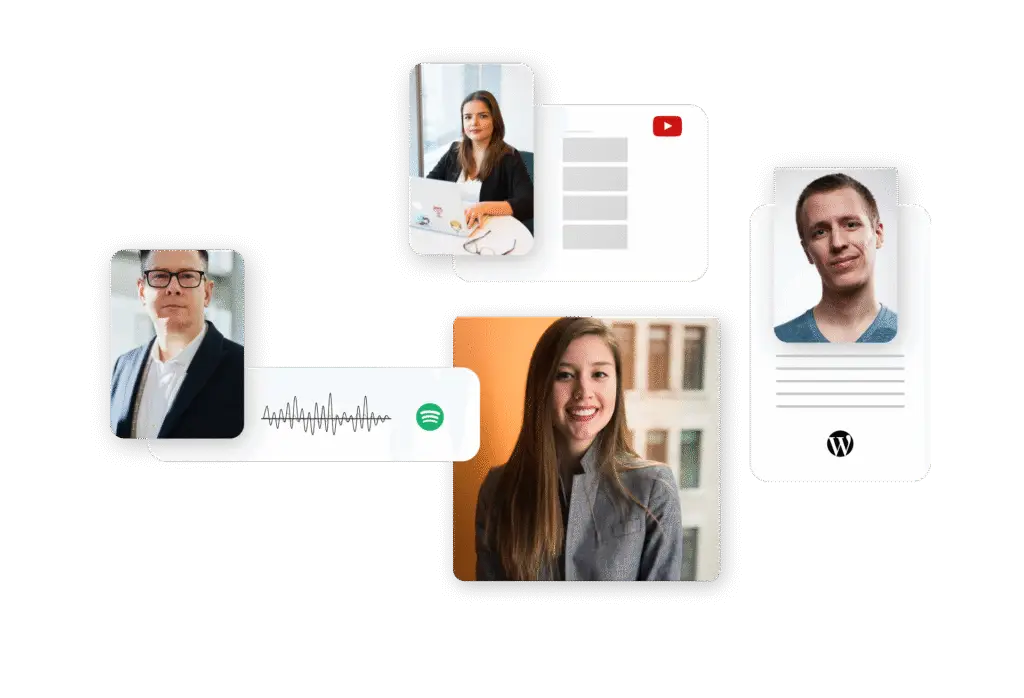
Votre native connectors, publish or schedule your contents for all your internal channels without leaving your workspace. Embed or create viewable public playlists hosted on a unique link, allowing you to update the content whenever you want by simply regenerating the video on your workspace.
AI-powered
Derushing, transcripting, translating? AI can do all that for you, making post production 8x faster. Generate scripts, text-to-speech, turn documents into videos… possibilities are infinite.
All-In-One solution for internal communications teams
Create powerful internal communications in minutes
Onboarding guides, tool tutorial, company announcements… anything can be a captivating video, but time and resources are limited, so you hold on easy to make, but unperforming internal communications.
LiLiCAST empowers you and all your teams to create professional-quality videos fast, inside 6 user-friendly editors, helping you from ideation to sharing.
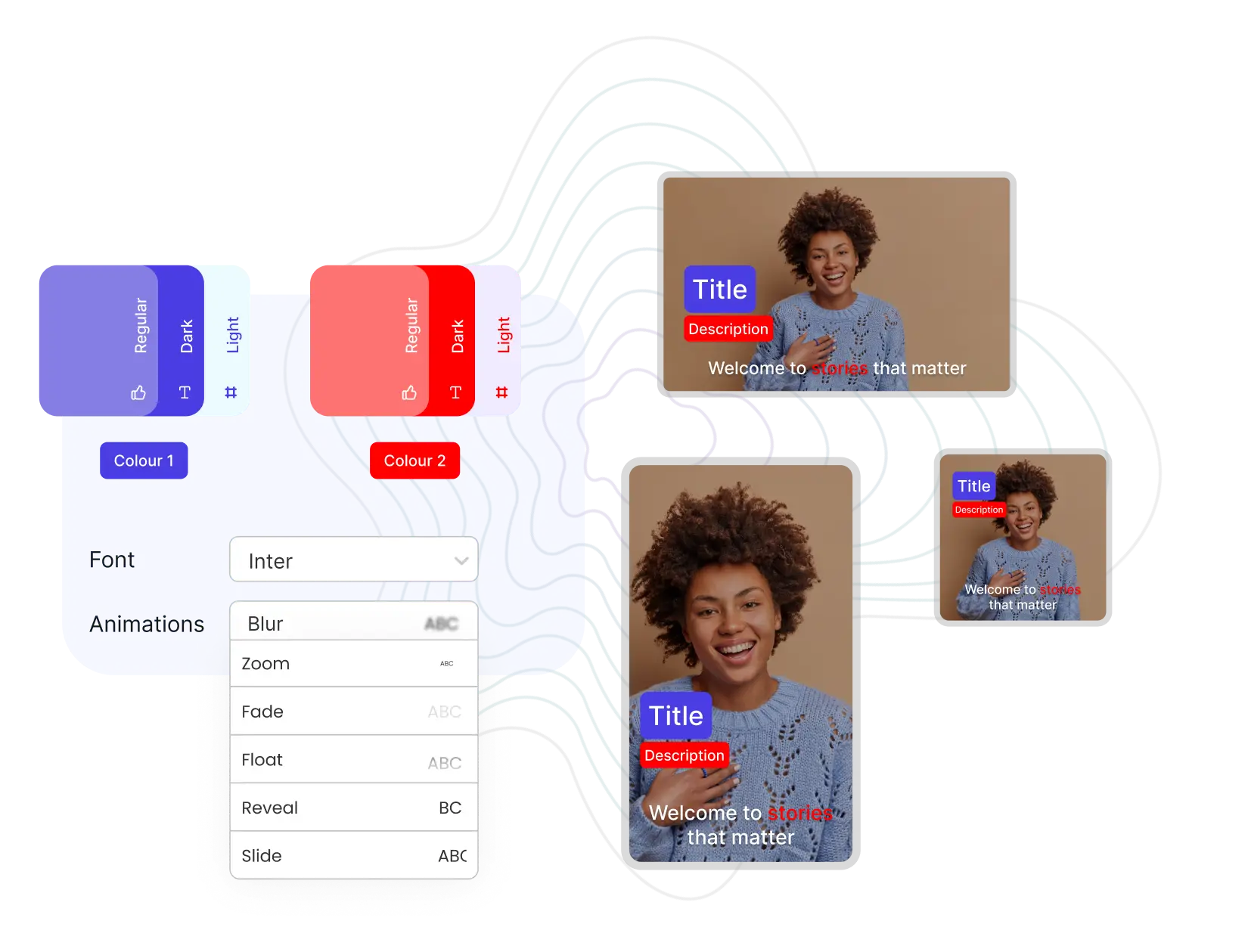
Never re-upload files and assets for your videos. Create, store and update all your brand kit assets in your content creation workspace. Your videos will always be on-brand. Consistency is key.
All-In-One solution for internal communications teams
Enregistrez tout étape par étape. Enregistrez chaque fonctionnalité en blocs de quelques secondes, au lieu de longues prises de plusieurs minutes. C’est une bonne pratique qui évite les multiples reprises ou le montage complexe.
Vous voulez ajouter un élément au milieu ? Ajoutez simplement une carte à l’endroit souhaité.
Vous avez déjà une vidéo ? Importez-la dans LiLiCAST et divisez-la en cartes de contenu facilement éditables.
Appliquez votre branding et utilisez des mises en page prédéfinies pour un contenu engageant.
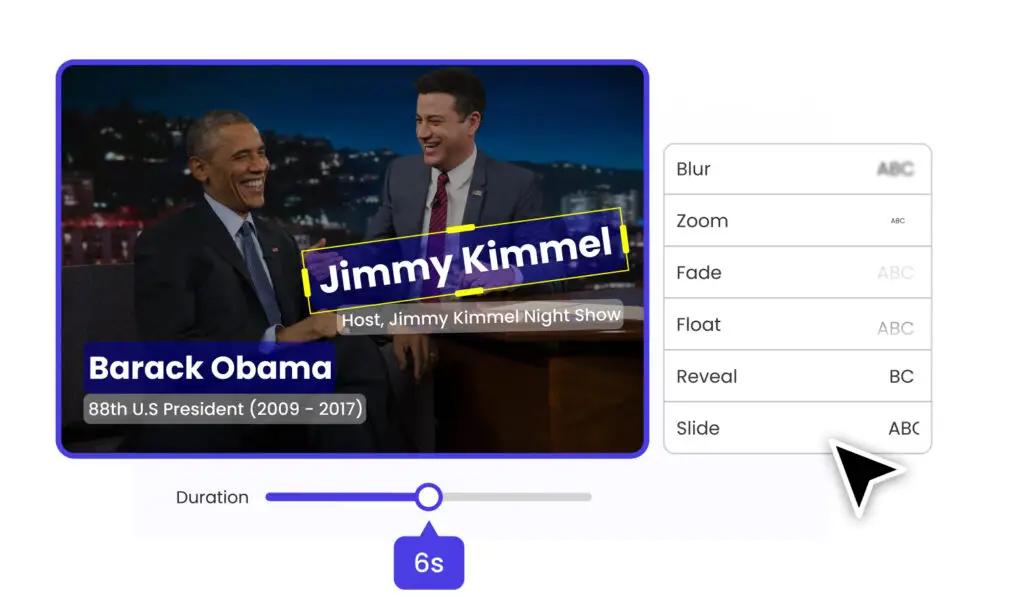
Ajoutez des éléments visuels comme des icônes, flèches, emojis ou images pour mettre en valeur des éléments à l’écran ou susciter l’intérêt.
Ajoutez du texte explicatif, des sous-titres dynamiques… En quelques clics, votre démo est presque prête.
Transformez de simples enregistrements en vidéos captivantes que les gens vont adorer !
Partagez votre démo où vous voulez ! Vous pouvez l’intégrer à votre site web ou obtenir un lien à partager.
Utilisez notre lecteur personnalisé (iFrame) pour intégrer votre LiLiCAST sur n’importe quelle page web ! Plus besoin d’un hébergeur tiers rempli de pubs et de suggestions inutiles.
Vous pouvez aussi publier directement sur Facebook, LinkedIn ou Zapier grâce à nos intégrations natives.